
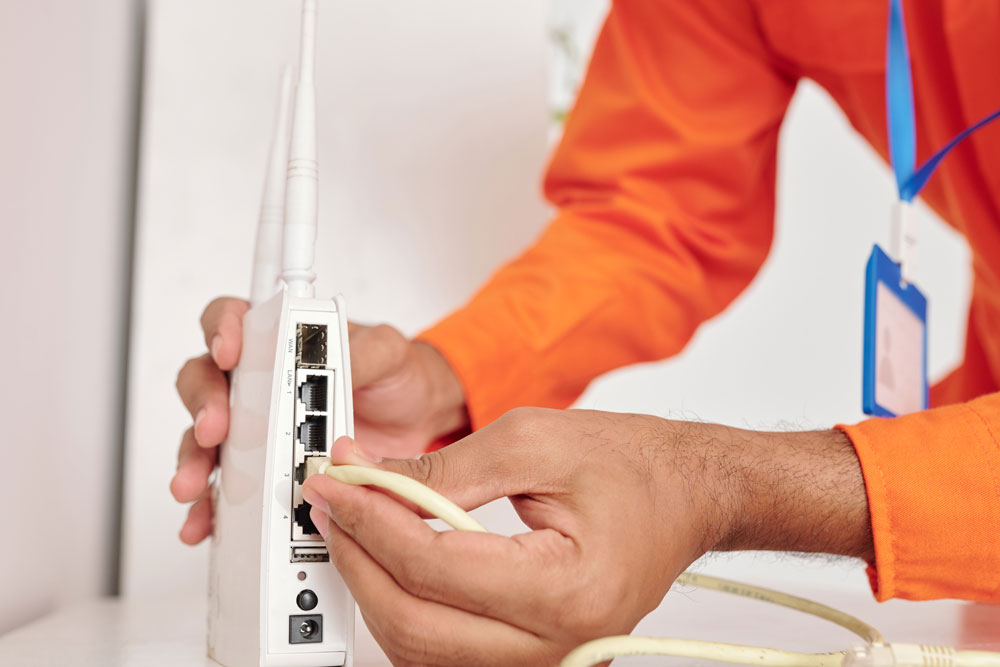
For many communities, construction is the most intimidating part of upgrading internet service.
Residents imagine walls being torn open, weeks of disruption, and constant complaints. Boards worry about damage, liability, and backlash. As a result, otherwise strong internet proposals stall before they reach approval. Those resident and board concerns should be addressed early, before construction details become a source of distrust.
The reality is usually far less dramatic than expected, but it does require planning, coordination, and communication.
This section explains what internet construction actually looks like in HOA and MDU communities, how disruptive it is and is not, and how to manage the process without unnecessary stress.
What Internet Construction Actually Involves
Internet construction in shared communities typically focuses on three areas.
This may include bringing fiber or cable from the street to the building. Work is usually limited to:
- Existing utility pathways
- Small trenching near foundations
- Exterior wall penetrations
Most exterior work is completed quickly and with minimal visible impact.
Common area work includes installing equipment in telecom rooms, closets, or utility spaces. This often involves:
- Mounting racks or cabinets
- Running conduit along ceilings or walls
- Connecting power and backup systems
Common area construction is usually the least disruptive to residents.
Work inside units depends on the service model.
In many cases, installation inside units is limited to:
- Activating existing wiring
- Installing a wall plate or small device
- Brief technician visits scheduled with residents
Full wall openings are uncommon in modern installations.
Property Wide Wi Fi Coverage
Some communities consider extending Wi Fi coverage across the entire property rather than limiting connectivity to individual units.
Property wide Wi Fi allows residents and guests to remain connected while moving throughout the property, including:
- Pool areas
- Courtyards
- Lobbies
- Fitness centers
- Clubhouses
- Outdoor common spaces
Whether property wide Wi Fi is appropriate depends heavily on the community’s demographics and usage patterns.
Communities with:
- Younger residents
- Remote workers
- Short term rental activity
- High guest traffic
- Resort style amenities
may benefit more from continuous connectivity across shared spaces.
Boards evaluating property wide Wi Fi should consider:
- Additional access point placement and equipment needs
- Bandwidth allocation between private units and common areas
- Ongoing maintenance and support responsibilities
- Network security configuration for resident and guest access
- Whether coverage is included in a bulk agreement or priced separately
Property wide Wi Fi is not necessary for every community. In some cases, strong in-unit service is sufficient. In others, continuous connectivity enhances resident experience and differentiates the property in competitive markets.
Evaluating this option intentionally prevents both overbuilding and underbuilding.
How Disruptive Is Internet Construction Really
Disruption varies by building type and existing infrastructure, but most projects are measured in days or weeks, not months.
Key points that often surprise residents include:
- Loud or invasive work is typically brief
- Most construction happens in common areas
- Unit access is scheduled individually
- Dust and debris are usually minimal
Clear expectations reduce anxiety far more than perfect execution.
Timelines by Property Type
Every property is different, but the following timelines are typical. For the next phase of the process, review what happens after internet approval so installation, onboarding, and support expectations are clear.
These properties often have easier access to units and exterior pathways.
- Exterior and common area work may take one to two weeks
- Unit activations can occur quickly once infrastructure is in place
Larger buildings require more coordination.
- Common area construction may take several weeks
- Unit installations are often phased floor by floor
Older properties may have limited conduit space or outdated wiring.
- Additional planning may be required
- Timelines may extend slightly
Even in complex buildings, construction rarely blocks access or displaces residents.
Managing Resident Access & Scheduling
One of the most common sources of frustration is unit access.
Successful communities:
- Provide advance notice of installation windows
- Allow residents to schedule appointments
- Offer clear instructions for preparation
Residents are far more accommodating when they know what to expect and when.
Communication Best Practices During Construction
Construction itself is rarely the biggest issue. Poor communication is.
Boards and managers should communicate:
- What work is happening
- When it will occur
- Where disruption may happen
- Who residents can contact with questions
Regular updates prevent rumors and reduce complaints.
What Can Go Wrong and How to Prevent It
No construction project is perfect, but many problems are preventable.
Unclear access rules, missing keys, or unavailable spaces slow progress.
Promising zero disruption sets the project up for failure.
When residents are surprised by work, frustration escalates quickly.
Communities that plan communication early avoid most issues.
Liability and Damage Concerns
Boards often worry about damage to property during installation.
Reputable providers:
- Carry insurance
- Repair minor damage caused by installation
- Restore affected areas
Contracts should clearly outline responsibility for damage and restoration.
A Simple Construction Impact Overview
| Area | Typical Impact |
| Exterior | Short term, minimal |
| Common Areas | Low disruption |
| Individual Units | Brief scheduled visits |
This overview helps ground discussions in reality instead of assumptions.
Why Construction Fear Should Not Drive Decisions
Avoiding infrastructure upgrades because of construction fear often leads to long term dissatisfaction and higher costs later.
Internet is now core infrastructure. Communities that treat it as such tend to navigate construction more successfully and with less conflict.
Key Takeaways Before Moving On
Before approving installation, communities should ensure:
- Construction scope is clearly defined
- Timelines are realistic
- Communication plans are in place
- Responsibilities are documented
- Property wide Wi Fi needs have been evaluated intentionally
With preparation, installation becomes manageable instead of overwhelming.