
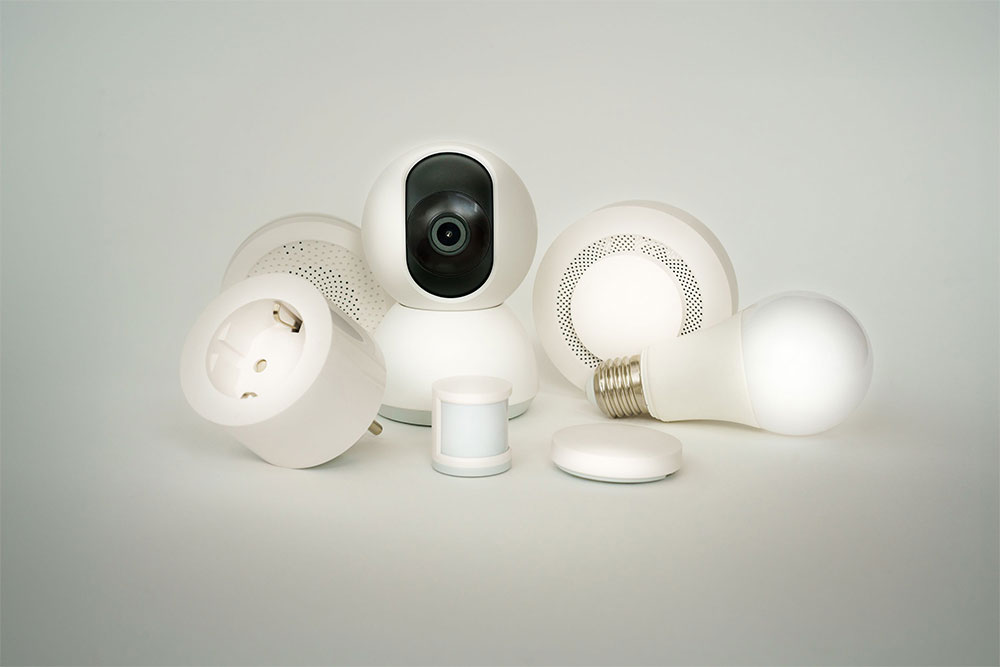
Best Internet Setup for Smart Homes
Smart homes are no longer a futuristic concept. From video doorbells and smart thermostats to connected TVs, security cameras, voice assistants, and smart appliances, today’s households rely on internet-connected devices more than ever.
As the number of connected devices grows, many homeowners discover that their internet setup matters just as much as the speed plan they purchase. A smart home can quickly expose weaknesses in Wi-Fi coverage, router performance, and network reliability.
If you are investing in smart home technology, here is how to build an internet setup that supports your devices today and prepares your home for the future.
What Is a Smart Home?
A smart home uses internet-connected devices that can be monitored, controlled, or automated remotely.
Common smart home devices include:
- Smart TVs
- Video doorbells
- Security cameras
- Smart thermostats
- Voice assistants
- Smart locks
- Smart lighting
- Smart appliances
- Smart speakers
- Home monitoring systems
Many households now have 20 to 50 connected devices, and some have significantly more.
Every device places additional demands on your home network.
Why Smart Homes Need Better Internet
Traditional internet usage often involved a few devices browsing websites or streaming content.
Today’s smart homes are different.
A typical household may have:
- Multiple TVs streaming simultaneously
- Security cameras uploading footage to the cloud
- Family members on video calls
- Smart speakers listening for commands
- Automated devices communicating throughout the day
All of these devices compete for network resources.
As the number of connected devices increases, reliability becomes just as important as speed.
Start With the Right Internet Speed
The foundation of any smart home is a reliable internet connection.
While internet speed requirements vary by household, modern smart homes benefit from having enough bandwidth to support multiple devices simultaneously.
For most households:
500 Mbps
A good starting point for:
- Smaller smart homes
- Multiple streaming devices
- Basic home automation
- Remote work
1 Gig Internet
Ideal for:
- Larger families
- Multiple smart TVs
- Security camera systems
- Frequent video conferencing
- Heavy streaming and gaming
3 Gig Internet
Best for:
- Large smart homes
- Numerous connected devices
- Advanced home automation
- Content creators
- Future-proofing your network
As more devices connect to your home, having additional bandwidth helps maintain a smooth experience.
Why Fiber Internet Works Well for Smart Homes
Smart homes rely on constant communication between devices and cloud-based services.
Fiber internet offers several advantages:
- Fast download speeds
- Strong upload speeds
- Low latency
- Reliable performance
- Capacity for future growth
Upload speeds are especially important because many smart devices continuously send data back to the cloud.
Examples include:
- Security cameras
- Smart doorbells
- Video monitoring systems
- Cloud backups
Fiber handles these tasks efficiently while supporting other household activities.
Choose the Right Router
Many internet performance issues are caused by outdated routers rather than the internet service itself.
Your router acts as the central hub for all connected devices.
When selecting a router, look for:
- Wi-Fi 6 or newer technology
- Support for multiple connected devices
- Strong security features
- Coverage appropriate for your home’s size
A quality router helps distribute bandwidth more efficiently and reduces network congestion.
Consider a Mesh Wi-Fi System
One of the most common complaints in smart homes is inconsistent Wi-Fi coverage.
Devices located far from the router may experience:
- Slow connections
- Frequent disconnects
- Delayed responses
Mesh Wi-Fi systems help solve this problem.
Unlike traditional extenders, mesh systems create a unified network throughout the home.
Benefits include:
- Better coverage
- Fewer dead zones
- Stronger connections for smart devices
- Improved performance in larger homes
For many smart homes, a mesh system provides one of the biggest performance improvements.
Optimize Router Placement
Router placement can significantly affect performance.
For best results:
- Place the router near the center of the home
- Keep it elevated when possible
- Avoid placing it inside cabinets
- Keep it away from large metal objects
- Reduce interference from electronics
A poorly placed router can create coverage issues even when internet speeds are fast.
Separate Smart Devices When Appropriate
Some advanced users create separate Wi-Fi networks for smart home devices.
This approach can:
- Improve security
- Reduce congestion
- Simplify troubleshooting
Many modern routers allow guest networks or device segmentation that can help organize connected devices more effectively.
Pay Attention to Upload Speeds
Many homeowners focus exclusively on download speeds.
However, smart homes often rely heavily on upload speeds.
Devices that commonly use upload bandwidth include:
- Security cameras
- Video doorbells
- Cloud storage systems
- Smart monitoring devices
Strong upload performance helps ensure these devices operate smoothly.
This is one reason fiber internet has become increasingly popular for smart home users.
Plan for Future Growth
Most households continue adding connected devices over time.
Future additions may include:
- Additional cameras
- Smart appliances
- Home energy management systems
- Connected health devices
- AI-powered home automation
Building a network with future growth in mind can help avoid costly upgrades later.
Choosing reliable infrastructure and sufficient bandwidth today helps ensure your network remains capable for years to come.
Common Smart Home Internet Problems
Devices frequently disconnect
This is often caused by weak Wi-Fi coverage rather than internet speed. If you regularly experience performance issues, it may be worth evaluating whether your current provider and infrastructure are meeting the needs of your connected home.
Cameras buffer or stop recording
Limited upload capacity can impact cloud-connected cameras.
Voice assistants respond slowly
Network congestion or poor Wi-Fi coverage may be contributing factors.
Certain rooms have weak connectivity
A mesh Wi-Fi system can often solve this issue.
Internet slows when multiple devices are active
Additional bandwidth and stronger infrastructure may be needed.
Final Thoughts
The best internet setup for a smart home involves more than simply purchasing the fastest available plan. Reliable infrastructure, strong Wi-Fi coverage, sufficient bandwidth, and quality networking equipment all work together to create a better experience.
For many households, pairing fiber internet with a modern router and mesh Wi-Fi system provides the foundation needed to support today’s smart devices while preparing for tomorrow’s technology.
As smart homes continue to evolve, investing in the right internet setup helps ensure your devices remain connected, responsive, and reliable.
Frequently Asked Questions
What internet speed is best for a smart home?
Most smart homes benefit from at least 500 Mbps. Larger households with many connected devices often see advantages from 1 Gig or 2 Gig plans.
Is fiber internet good for smart homes?
Yes. Fiber internet provides fast speeds, strong upload performance, and reliable connectivity that support modern smart home devices.
Do smart homes need mesh Wi-Fi?
Not every home requires mesh Wi-Fi, but larger homes and homes with dead zones often benefit significantly from improved coverage.
Why do smart home devices disconnect?
Weak Wi-Fi signals, outdated routers, network congestion, and poor device placement are common causes.
How many devices can a smart home support?
Modern networks can support dozens of connected devices, but performance depends on internet speed, router quality, and network design.