
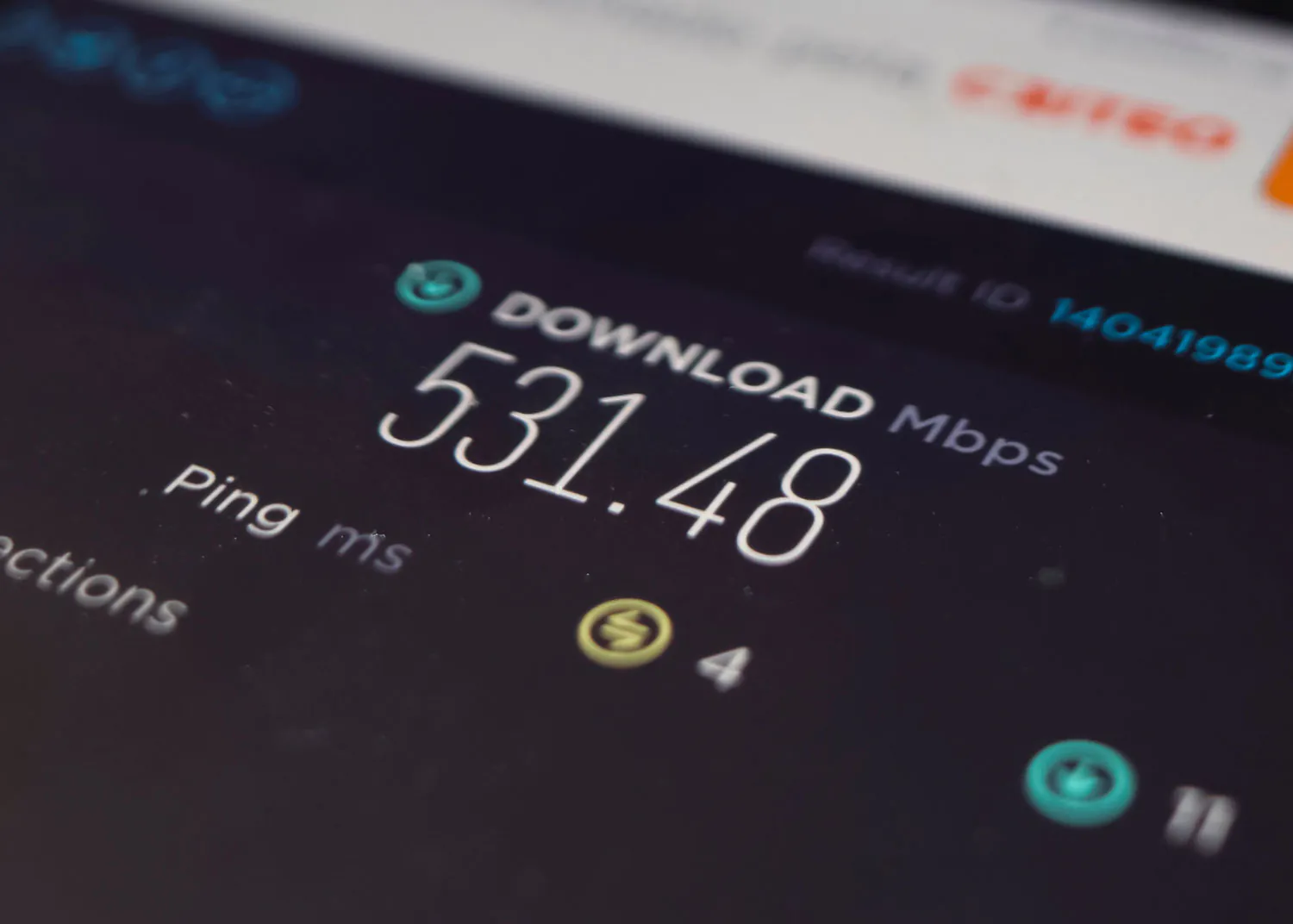
When shopping for internet service, most people focus on download speed. That makes sense. Download speed affects how quickly websites load, videos stream, and files arrive on your devices. But today’s connected households do much more than download information. We participate in video meetings, upload photos, share large files, back up devices to the cloud, livestream content, and use security cameras that send footage over the internet. All of these activities depend on upload speed. Upload speed measures how quickly data travels from your home to the internet. As more everyday activities require sending information online, strong upload performance has become increasingly important. Here’s why upload speed deserves just as much attention as download speed when choosing an internet connection.
What Is Internet Upload Speed?
Upload speed measures how quickly your internet connection can send data from your device to an online destination. Examples include:
- Sending an email attachment
- Uploading a video
- Participating in a video conference
- Backing up files to cloud storage
- Sharing photos
- Broadcasting a livestream
- Uploading security camera footage
Upload speed is typically measured in megabits per second, or Mbps. For a deeper explanation of how the two directions of your connection work, see our guide to symmetrical upload and download speeds.
Download Speed vs. Upload Speed: What’s the Difference?
The easiest way to understand the difference is to think about the direction information travels. Download speed: How quickly information comes from the internet to your device. Upload speed: How quickly information leaves your device and travels to the internet. For example, when you watch a movie, most of the data is being downloaded. When you send a video to someone or upload it to cloud storage, data is moving in the opposite direction. Many online activities use both. A video call requires you to download the other person’s audio and video while simultaneously uploading your own. That is why strong download speeds alone do not guarantee an excellent video conferencing experience.
1. Video Calls Depend on Upload Speed
Remote work has made video conferencing a routine part of daily life. Platforms such as Zoom, Microsoft Teams, and Google Meet continuously exchange audio and video data. Your upload speed helps determine how efficiently your camera and microphone data reaches other participants. Limited upload bandwidth can contribute to:
- Frozen video
- Reduced picture quality
- Delayed audio
- Unstable connections
- Interrupted screen sharing
These issues can also result from Wi-Fi interference, congestion, or other network conditions. But upload performance is an important part of the equation. For households with multiple remote workers or students participating in virtual meetings, having sufficient upload capacity becomes even more valuable.
2. Cloud Storage Makes Upload Performance Essential
Cloud storage is now part of everyday life. People routinely use online services to store photos, videos, documents, work files, device backups, and shared family files. When you back up a phone or computer, information must travel from your device to a remote server. That is an upload. If your connection has limited upload bandwidth, transferring a large amount of data can take significantly longer. For example, uploading a 10 GB file at a sustained 20 Mbps would take approximately 67 minutes under ideal conditions. At a sustained 500 Mbps, the same transfer would take approximately three minutes under ideal conditions. Actual transfer times vary, and many cloud services impose their own limits. Still, the example illustrates why upload capacity can make a substantial difference.
3. Content Creators Need Strong Upload Speeds
Video creation is no longer limited to professional production studios. People regularly create content for YouTube, social media, podcasts, online courses, business marketing, and livestreaming platforms. High-resolution video files can be enormous. Uploading a large video project over a connection with limited upload bandwidth can slow down an otherwise efficient workflow. For creators who publish frequently or collaborate remotely, faster uploads can save time and make transferring files less disruptive.
4. Security Cameras Use Upload Bandwidth
Smart home security has become increasingly common. Video doorbells and security cameras may send footage to cloud-based services for recording, remote viewing, or notifications. That means they can use upload bandwidth even when nobody is actively browsing the internet. The amount depends on factors such as:
- Camera resolution
- Recording settings
- Number of cameras
- Compression technology
- Whether footage is stored locally or in the cloud
A home with several cloud-connected cameras may have ongoing upload demand throughout the day. Strong upload performance helps support these devices alongside the rest of the household’s online activities.
5. Online Gaming Also Uses Upload Speed
Online gaming is often associated with download speed and latency. Those are important, but gaming also requires information to travel from your device to the game server. Your connection continuously sends data related to movement, actions, and player interactions. Most online games do not require enormous amounts of upload bandwidth during gameplay. However, sufficient upload capacity helps prevent other household activities from overwhelming the connection. For example, a large cloud backup running in the background could contribute to congestion if it consumes most of the available upload bandwidth. That congestion may increase delays and affect gaming responsiveness. To understand how response time affects online activities, read How Latency Affects Gaming, Streaming, and Video Calls.
6. Multiple Connected Devices Change the Equation
One activity may not require much upload bandwidth. But a modern household rarely performs only one activity at a time. Imagine this scenario:
- One person is on a video conference.
- Another is uploading a presentation.
- Security cameras are sending footage to the cloud.
- A phone is backing up photos.
- Someone is gaming online.
All of these activities may be using upload bandwidth simultaneously. As connected devices become more common, the combined demand matters more than the requirements of any single application.
7. Symmetrical Internet Speeds Can Make a Difference
You may encounter the term symmetrical internet speeds when comparing providers. Symmetrical internet means a connection offers similar advertised upload and download speeds. For example, a symmetrical 1 Gig plan may provide approximately 1 Gbps of advertised capacity in each direction, subject to the provider’s specifications and normal performance limitations. Some internet technologies offer much faster download speeds than upload speeds. That difference may not be obvious when browsing websites or streaming television. But it becomes more noticeable when uploading large files, backing up devices, or running multiple real-time applications. Fiber networks can support symmetrical speeds, although the exact upload and download speeds depend on the provider and plan.
8. Why Fiber Internet Is Well Suited for Upload-Heavy Homes
Fiber optic internet uses light to transmit data through fiber cables. Its high-capacity infrastructure can support fast downloads, strong uploads, and low latency. For households that frequently send data online, those capabilities can be valuable. Fiber is particularly well suited for:
- Remote workers
- Content creators
- Cloud storage users
- Smart home households
- Families with multiple connected devices
- People who frequently transfer large files
For more information about these advantages, explore why LiveOak Fiber uses an all-fiber network.
9. How Much Upload Speed Do You Need?
There is no universal upload-speed requirement for every household. Your needs depend on the number of people using the connection and the activities happening simultaneously. A single video call may need relatively little upload bandwidth. A household with multiple video calls, several security cameras, cloud backups, and frequent large file transfers may benefit from substantially more capacity. Instead of choosing a plan based on one application’s minimum requirements, consider your entire household’s usage. LiveOak Fiber’s current residential speed tiers include:
- 500 Mbps: A strong starting point for everyday connected households
- 1 Gig: Additional capacity for busy families and heavier simultaneous usage
- 3 Gig: Multi-gig capacity for technology-heavy households and power users
- 5 Gig: High-capacity service for especially demanding home networks
When comparing tiers, review the provider’s published upload speeds as well as download speeds.
10. How to Check Your Upload Speed
You can use an internet speed test to estimate your current upload performance. Most speed tests report:
- Download speed
- Upload speed
- Latency or ping
For a more useful result:
- Test while connected to your normal home network.
- Repeat the test at different times.
- If possible, test using a wired connection.
- Compare results with your plan’s specifications.
- Consider whether other devices are uploading data during the test.
A single test does not provide a complete picture of your connection. Repeated results and real-world performance are more useful for identifying persistent issues.
11. Why Your Upload Speed Might Be Slow
Several factors can affect upload performance.
Your Internet Plan
Some plans offer substantially less upload capacity than download capacity.
Network Congestion
Heavy network usage may affect available performance.
Home Wi-Fi
Weak signals or interference can reduce the speeds devices experience.
Background Uploads
Cloud backups, camera uploads, and file synchronization may use available bandwidth.
Device or Equipment Limitations
Older networking equipment can become a bottleneck. If slow uploads are a recurring issue, first determine whether the limitation comes from your plan, your home network, or a particular application. Our article on why your internet may be slow even when you pay for fast speeds explains several of these common bottlenecks.
12. Upload Speed Will Continue to Matter
Connected households increasingly send information to cloud-based services. Remote collaboration, high-resolution media, smart security systems, and emerging applications all contribute to that demand. While no one can predict exactly how much upload capacity every household will need in the future, it makes sense to evaluate internet plans with both directions of data transfer in mind. A connection designed primarily around downloading information may not be the best fit for a household that regularly creates, shares, and uploads content.
Final Thoughts
Download speed is important, but it only tells half the story. Upload speed affects video conferencing, cloud storage, content creation, security cameras, gaming, and countless other everyday activities. As households become more connected, strong upload performance can help keep everything running smoothly, especially when multiple devices are sending data simultaneously. When comparing internet providers, do not stop at the advertised download speed. Look at upload performance, reliability, latency, and the capacity of the underlying network. The best internet connection should support everything your household does online, whether information is coming in or going out.
Related Articles
- Internet Upload Speeds Explained (And Why They Matter Now)
- Symmetrical Internet: Why Fast Isn’t Always Fast
- How Latency Affects Gaming, Streaming, and Video Calls
- Why Your Internet Is Slow (Even When You Pay for Fast Speeds)
Frequently Asked Questions
What is upload speed?
Upload speed measures how quickly your internet connection sends data from your device to the internet. It affects video calls, cloud backups, file sharing, livestreaming, and other activities that send information online.
Why is upload speed important for working from home?
Remote work often involves video conferencing, screen sharing, cloud applications, and sending files. Strong upload speeds help support those activities, particularly when multiple people work remotely.
Does upload speed affect streaming?
Watching on-demand video primarily uses download bandwidth. However, livestreaming yourself to an audience requires upload bandwidth, and some interactive streaming applications use both directions.
Is upload speed important for gaming?
Yes, although online games usually require relatively modest bandwidth during gameplay. Adequate upload capacity helps prevent other uploading activities from congesting the connection and contributing to lag.
What are symmetrical internet speeds?
Symmetrical internet plans offer similar advertised upload and download speeds. Fiber networks can support symmetrical service, but availability and exact speeds vary by provider and plan.
How can I improve slow upload speeds?
Check your plan’s upload capacity, test your connection, reduce unnecessary background uploads, improve Wi-Fi coverage, and make sure your networking equipment is up to date. If your plan has limited upload capacity, a different service or plan may be needed.